Appearance
Users
Path: /users
Manage people who can open the dashboard.
Add users in the 15-minute quickstart.
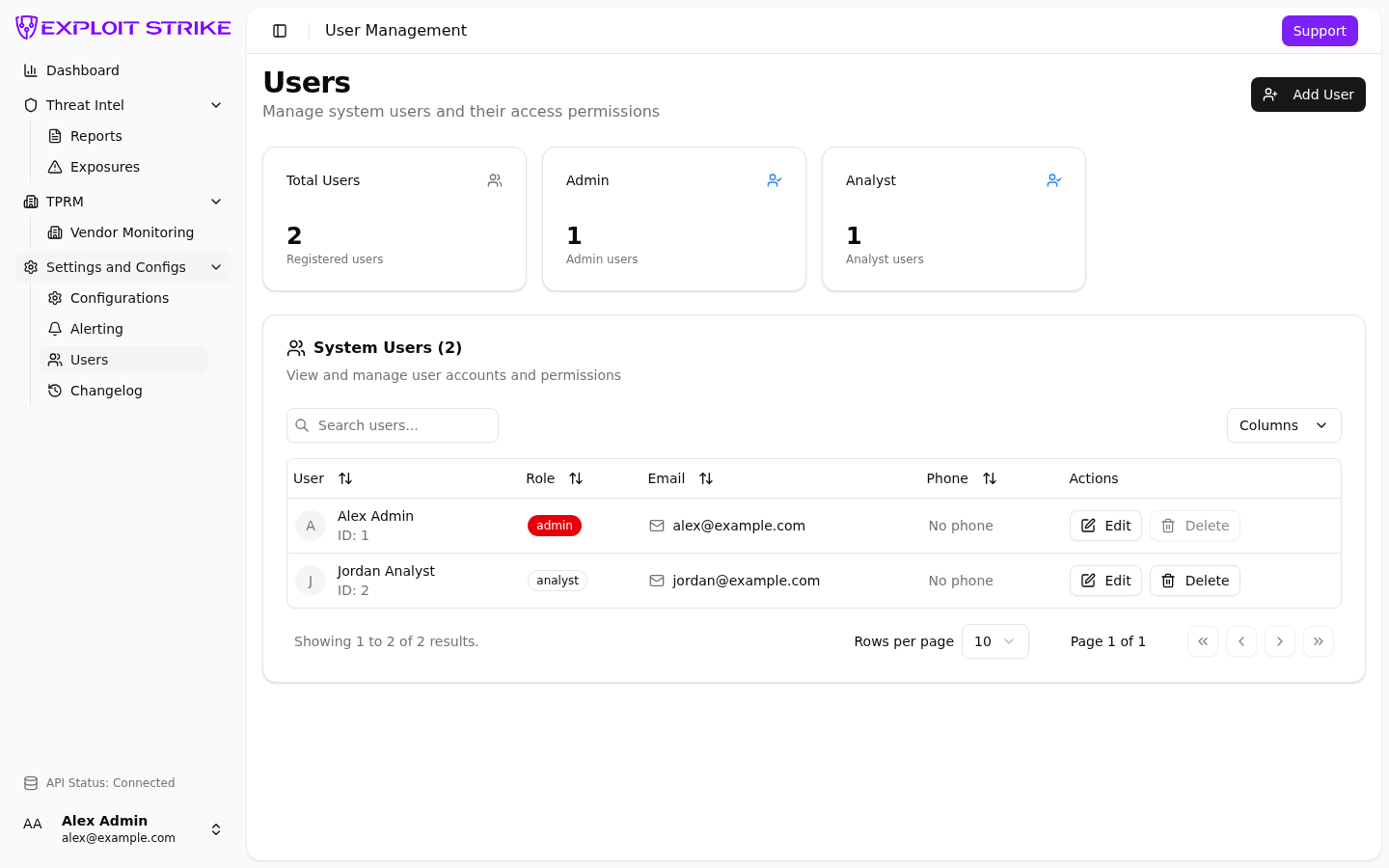
Users list. Add user is in the header. Columns: name, role, email, phone.
An admin can add, edit, and delete users.
See Roles.
List
Each row shows:
- Name and user id
- Role
- Phone
The page also shows a count per role.
Add a user
- Select Add user.
- Enter name. Name is required.
- Enter the user’s email address. Email is required for sign-in. Phone is optional.
- Select a role:
admin,user,viewer,manager, oranalyst. - Save.
The person signs in with Google, Microsoft, or Atlassian. Use the same email you stored.
Edit a user
- Select Edit on the row.
- Change name, email, phone, or role.
- Save.
Leave your own role unchanged.
Delete a user
- Select Delete on the row.
- Confirm.
If you see a permission error, send email to support@exploitstrike.com.